CASABREWS CM5418 Not Pumping Water? Causes and Fixes
CASABREWS CM5418 not pumping water or brewing? Match the flashing lights to the cause and fix: orange tank plug, airlock, overheat lock, descale, fault.
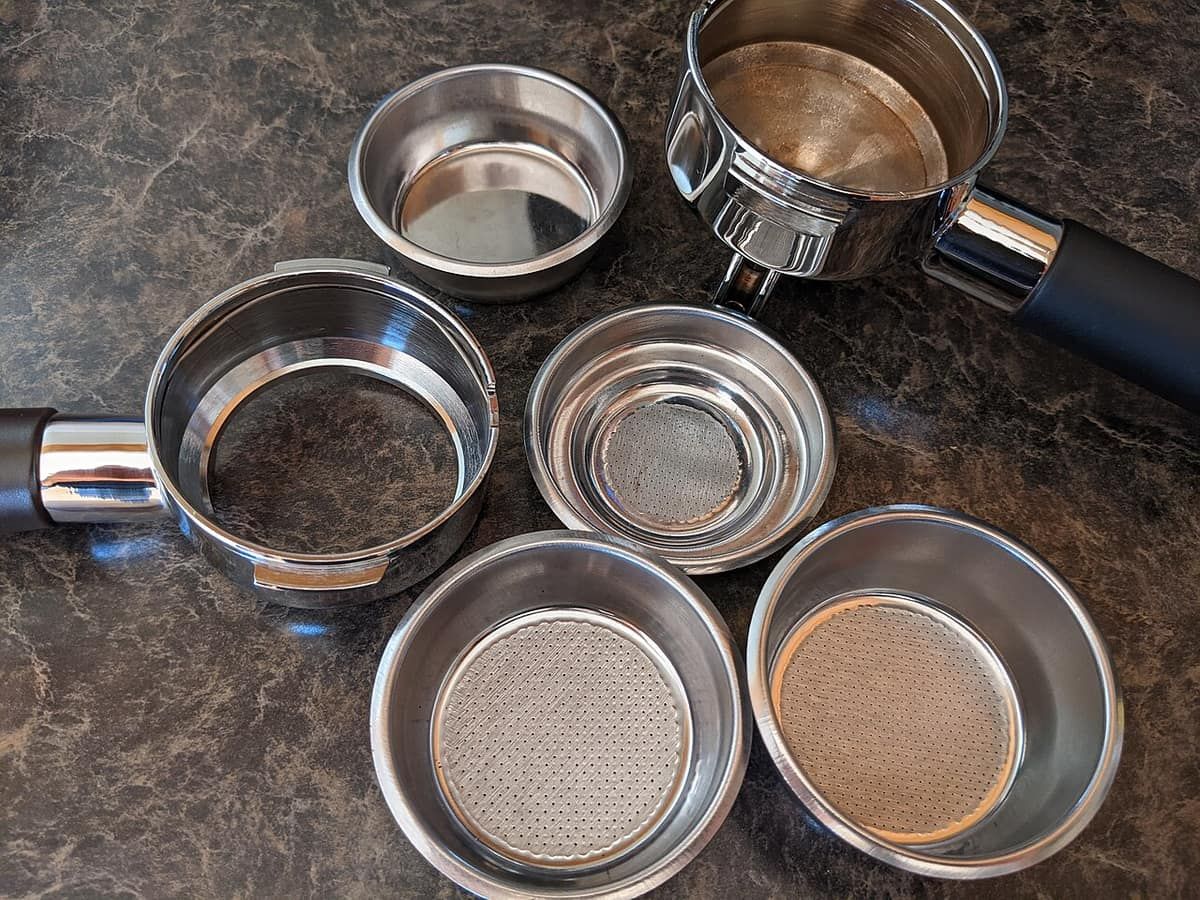
If your CASABREWS CM5418 isn’t pumping water, check five things CASABREWS documents: the orange shipping plug still in the bottom of the tank, a tank that isn’t seated, air in a dry pump, the over-heating lock after steaming (1 cup and 2 cup flash alternately), or the steam knob left open. If all buttons flash together and nothing works, CASABREWS says the flowmeter or NTC sensor is broken: call support.
Everything below comes from the CM5418 user manual, the CM5418 quick-start guide, CASABREWS’s own FAQ page, and named independent reviewers. Nobody here repaired a CM5418; see how we research.
CM5418 no-water symptoms, causes and fixes at a glance
Start from what you see and hear. The light patterns and fixes are CASABREWS’s own (manual, quick-start guide or FAQ); the last row is what independent reviewers reported.
| Symptom (lights / pump sound) | Likely cause | Fix | Source |
|---|---|---|---|
| New machine, no water comes out | Orange plug still in the tank bottom, or tank not installed correctly | Remove the plug, fill to no more than MAX, reinstall the tank | Quick-start guide step 1; manual |
| Noise on first pumping, stopping after about 20 s | Air leaving the system | Normal; let it run | Manual; quick-start guide |
| Coffee doesn’t run; machine can’t pump water | Pump not drawing water (the manual’s first-use step fills the “empty pump”) | Use the hot water function to pump water through the wand | Manual troubleshooting table |
| 1 CUP and 2 CUP flash alternately, no brew | Over-heating protection, boiler too hot | Run hot water from the wand about 8 s, or press 1 CUP or 2 CUP again to cancel if you don’t want to brew | Manual; quick-start guide |
| Coffee won’t run after using hot water | Steam button still on | Turn the steam button off | Manual troubleshooting table |
| All lights flash 5 times at start-up | Descale reminder after 500 brew cycles | Descale, then hold 1 CUP + 2 CUP + STEAM for 3 s | Manual |
| All buttons flash together, machine won’t work | Flowmeter or NTC broken | Contact CASABREWS support | Manual; CASABREWS FAQ |
| Shot buttons flash after every use of the steam wand | Over-heating lock | Purge hot water through the wand, or wait for it to cool | Tom’s Guide |
What do the CM5418’s flashing lights mean?
The CM5418 has four buttons: ON/OFF, 1 CUP, 2 CUP and STEAM, per the quick-start guide. Here is what each pattern means, per the manual and CASABREWS’s FAQ:
- All lights flash briefly at power-on: preheating. Normal; the manual says preheating is finished when the indicators stop flashing, and the quick-start guide says all buttons fully lit means ready.
- 1 CUP and 2 CUP flash alternately: the boiler is too hot and the machine is in over-heating protection. It won’t brew until it cools.
- All lights flash 5 times: descale reminder, shown after 500 brew cycles and repeated at every start-up until you clear it.
- All buttons flash at the same time and the machine won’t work: the flowmeter or NTC inside is broken. Contact support.
- STEAM light flashing: steam preheat. Steady means ready.
Some troubleshooting snippets online describe “Espresso, Cappuccino and Latte buttons flashing green” as a water-shortage alarm. I found no such buttons in the CM5418 manual or quick-start guide, so that description doesn’t match this machine’s controls; ignore it for the CM5418.
Fix 1: remove the orange plug and reseat the tank
The quick-start guide’s first-use step 1 is to remove the orange plug on the bottom of the reservoir, and the manual’s first pre-use step is to remove the plug at the bottom of the tank. Neither document spells out what happens if you skip it, but it’s the first thing to check on a new machine.
- Lift out the tank and check the bottom for the orange plug. Remove it.
- Fill with water, not above the MAX mark (manual). The quick-start guide says room-temperature water.
- Reinstall the tank and close the tank cover (manual).
CASABREWS’s troubleshooting table lists an empty tank and a tank that isn’t installed correctly as causes of coffee not running, or running slowly.
Fix 2: prime the CM5418 pump after first use or a dry tank
The manual’s troubleshooting fix for “the machine cannot pump the water” is to use the hot water function to pump it. Its before-first-use cycle, which it says lets water flow into the empty pump, works the same way:
- Press ON/OFF and wait for the lights to stop flashing (preheat done).
- Put a cup under the steam wand and turn the steam knob to the hot-water position.
- Let hot water run from the wand for 8 seconds, then return the knob to off.
- Discard the water.
The quick-start guide says 10 seconds instead of 8. The two documents disagree; neither says what to do if water still doesn’t flow, beyond the troubleshooting table’s “contact our customer support” for a faulty machine.
Noise is expected. The manual says the first pumping can be noisy while the machine releases air, and the noise should stop after about 20 seconds. The quick-start guide adds that a loud noise and a little shake on first run is normal for the 20-bar pump, and that the noise decreases with further use.
Fix 3: why do 1 CUP and 2 CUP flash after steaming?
The manual says that after using the steam function, the 1 CUP and 2 CUP lights flash alternately if you press them to brew straight away. The boiler is too hot.
- Turn the steam knob to the hot-water position.
- Let hot water run from the wand for about 8 seconds to cool the boiler.
- The quick-start guide says that when the boiler is cool, all buttons are fully lit and the pump stops delivering water. Then return the knob to off.
- Brew. Or, if you don’t want to brew now, press 1 CUP or 2 CUP again to cancel the warning (manual).
Independent reviewers ran into it. Erin Bashford at Tom’s Guide says it happened after every use of the steam wand on the revised unit she reviewed, and that you can wait for it to cool or purge hot water through the wand, which cools it within a few seconds; she warns not to scald yourself. TechGearLab lists “needs to cool down between drinks” as a con and says the machine struggles with back-to-back drinks. TechRadar notes the thermoblock can’t pull espresso and steam milk at the same time.
Fix 4: check the steam knob and steam button
Two settings block a brew. The manual’s troubleshooting table says coffee won’t run if the steam button is still on after using the hot water function; turn it off. The quick-start guide also says to make sure the steam knob is at OFF before you press 1 CUP or 2 CUP. After steaming, the manual says to turn the knob off and press STEAM again to exit steam mode.
It pumps, then stops on its own: CM5418 auto cut-offs
Several built-in limits can look like a dead pump. All are manufacturer specs from the manual and CASABREWS’s FAQ:
- 215 ml (7.27 oz): the pump stops if no operation is selected after that much water is pumped (manual).
- 180 seconds: pumping stops after this long frothing milk (manual).
- 40 seconds of hot water, or 3 minutes of steam: listed in the troubleshooting tables as a cause of hot water or steam not working; turn the knob off for at least 1 minute (manual and CASABREWS FAQ).
- 29 minutes idle: the machine powers itself off (manual).
One caveat: Tom’s Guide reports that CASABREWS revised the CM5418, raising brew temperature and adding a “flush” cleaning program. The manual on CASABREWS’s support page doesn’t mention a flush program, so if your unit came with a newer manual, its codes and limits win over this page.
Water reaches the wand but not the cup: a clog, not the pump
If hot water flows from the steam wand but the shot barely drips, the pump works. The manual’s brew-head cleaning step is a good test: run 1 CUP or 2 CUP with no portafilter inserted and a cup under the head. If water flows from the brew head without the portafilter, the pump is delivering water and the filter, grind or dose is the next thing to check.
CASABREWS’s troubleshooting table lists coffee ground too fine, too much coffee, tamping too hard and a clogged filter. Clear the filter holes with a pin, and the manual says to soak the filter in boiling water for 10 minutes if brewing malfunctions. The quick-start guide gives doses of 7-9 g for 1 CUP and 13-15 g for 2 CUP.
The CM5418 ships with pressurized baskets only, per TechRadar and Tom’s Guide. How they differ from standard baskets is in our pressurized vs non-pressurized basket guide.
Scale buildup and the descale reminder
The manual says the machine needs periodic descaling to operate efficiently and clean its internal pipes, and shows a descale reminder after 500 brew cycles. Its ratio is 4 parts water to 1 part descaling agent, or 100 parts water to 3 parts citric acid. To clear the reminder afterwards, hold 1 CUP, 2 CUP and STEAM together for 3 seconds. The full procedure is in our guide on how to descale an espresso machine.
The manual gives only the 500-cycle prompt, with no hard-water schedule, and I found no CM5418-specific source that does.
When it’s the machine, not you: CM5418 faults and warranty
If all buttons flash together, or nothing above restores flow, CASABREWS’s troubleshooting table points to the machine itself. It says to contact customer support when the machine is faulty or the flowmeter or NTC is broken.
CASABREWS’s support page lists info@casabrews.com with hours of 8 a.m. to 5 p.m. Pacific, Monday to Friday, excluding holidays, and shows a 1-year warranty. The manual lists support@casabrews.com, asks you to have your invoice and order ID ready, and says the warranty is a minimum of 12 months under your country’s law, covering defects in material or workmanship but not partially or completely dismantled machines. Don’t open the brew head: the manual warns that disassembling it damages it and leads to leaks.
Independent failure-rate data is thin. I found no repair-shop or iFixit data specific to the CM5418. CASABREWS’s tutorials page has short videos on no water flow and flashing lights but no written steps.
More on the CASABREWS CM5418
- CASABREWS CM5418 review
- CASABREWS CM5418 vs De’Longhi Stilosa
- Best espresso machines
- How to descale an espresso machine
- Pressurized vs non-pressurized baskets
Frequently asked questions
Why is my CASABREWS CM5418 making noise but no water comes out?
CASABREWS's documents point to three causes: the orange shipping plug still in the tank, a tank that isn't installed correctly, or a pump that can't draw water. Per the quick-start guide, remove the orange plug from the bottom of the reservoir first. Then reseat the full tank and run hot water from the steam wand, which the manual's troubleshooting table gives as the fix when the machine cannot pump water.
What does it mean when the 1 cup and 2 cup lights flash alternately on the CM5418?
It means the boiler is too hot and the machine is in over-heating protection, so it won't brew. The CM5418 manual says this happens if you brew straight after steaming. Turn the steam knob to hot water and run water from the wand for about 8 seconds to cool it. If you don't want to brew, pressing 1 cup or 2 cup again cancels the warning.
What does it mean when all the buttons flash on my CASABREWS?
It depends on how. All lights flashing briefly at power-on is normal preheating, and all lights flashing 5 times is the descale reminder after 500 brew cycles. But if the machine won't work and all buttons keep flashing together, CASABREWS's troubleshooting table says the flowmeter or NTC inside is broken and to contact customer support.
Why did my CM5418 stop pumping in the middle of a cycle?
It probably hit a built-in cut-off. Per the CM5418 manual, the pump stops after 215 ml (7.27 oz) with no operation selected and after 180 seconds of frothing. The manual's and CASABREWS's FAQ troubleshooting tables also list hot water used for more than 40 seconds, or steam for more than 3 minutes, as a reason the function stops working; the fix is to turn the steam knob off for at least 1 minute.
Is a CM5418 that won't pump water covered by warranty?
CASABREWS's CM5418 support page lists a 1-year warranty and info@casabrews.com, with hours of 8 a.m. to 5 p.m. Pacific, Monday to Friday, excluding holidays. The manual says the warranty is a minimum of 12 months, depending on your country's law, and doesn't cover dismantled machines. So don't open the brew head yourself: the manual warns that disassembling it damages it and causes leaks.
Sources
- cdn.shopify.com/s/files/1/0624/8729/8290/files/CM5418_User_Manual_23db1723-ae82-4ef4-a319-f29f89602268.pdf
- cdn.shopify.com/s/files/1/0624/8729/8290/files/CM5418_User_Guide_567f1f80-2782-47f0-bf9b-fa817550de0a.pdf
- casabrews.com/pages/how-to-use-casabrews-cm5418-espress-machine
- casabrews.com/pages/tutorials-cm5418
- tomsguide.com/home/coffee-makers/casabrews-cm5418-review
- techradar.com/home/coffee-machines/casabrews-cm5418-review
- techgearlab.com/topics/kitchen/best-espresso-machine